
Lock your sensitive filesright in Finder.
Right-click any file or folder, protect it with AES-256 encryption, and unlock it with Touch ID. Encryption happens on your Mac, and iCloud or Google Drive backup is optional.
Free for 3 items · macOS 13+ · Touch ID & backup on paid plans · 14-day money-back guarantee
AES-256 Encrypted
Encrypted on your Mac
On-Device Encryption
Backup is optional
No File Tracking
We never see your files
Native macOS
Built for Mac
Your Mac's files are vulnerable
macOS doesn't protect individual files by default. Without dedicated file protection, your sensitive data is just one click away from prying eyes.
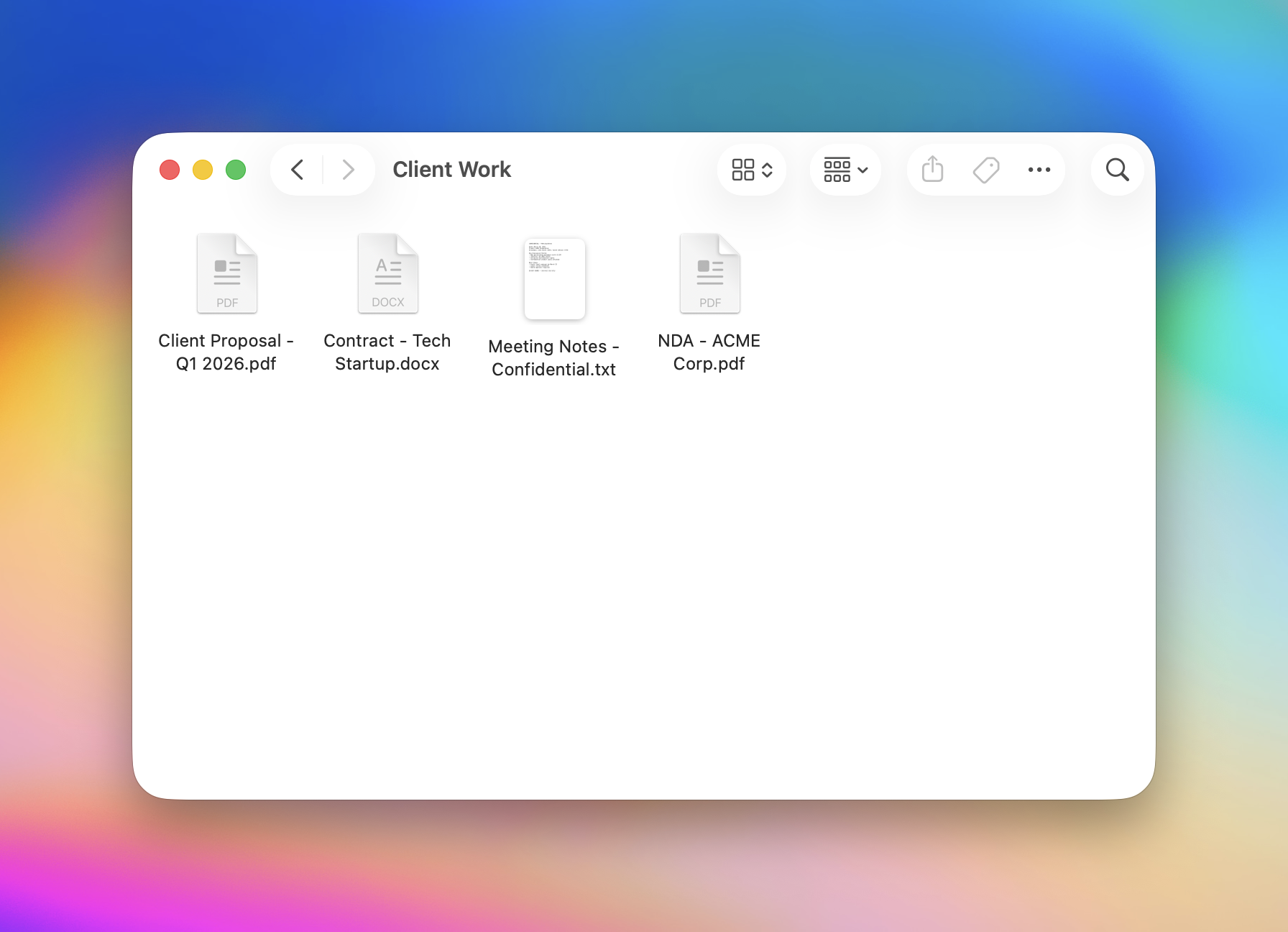
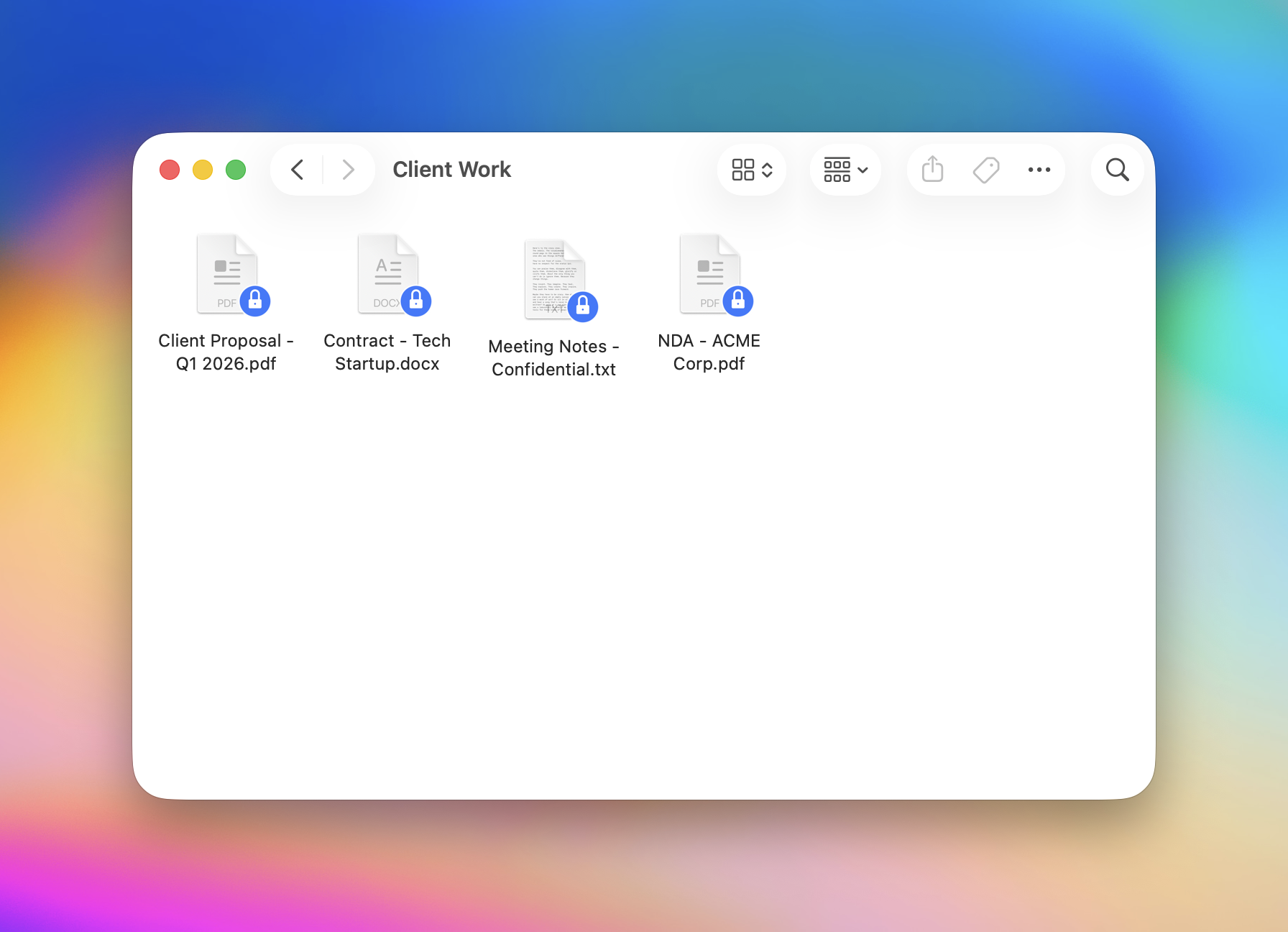
Meet Finderlock: Apple-native file protection
The simplest way to protect your files on Mac. No complexity, no cloud, no compromises.
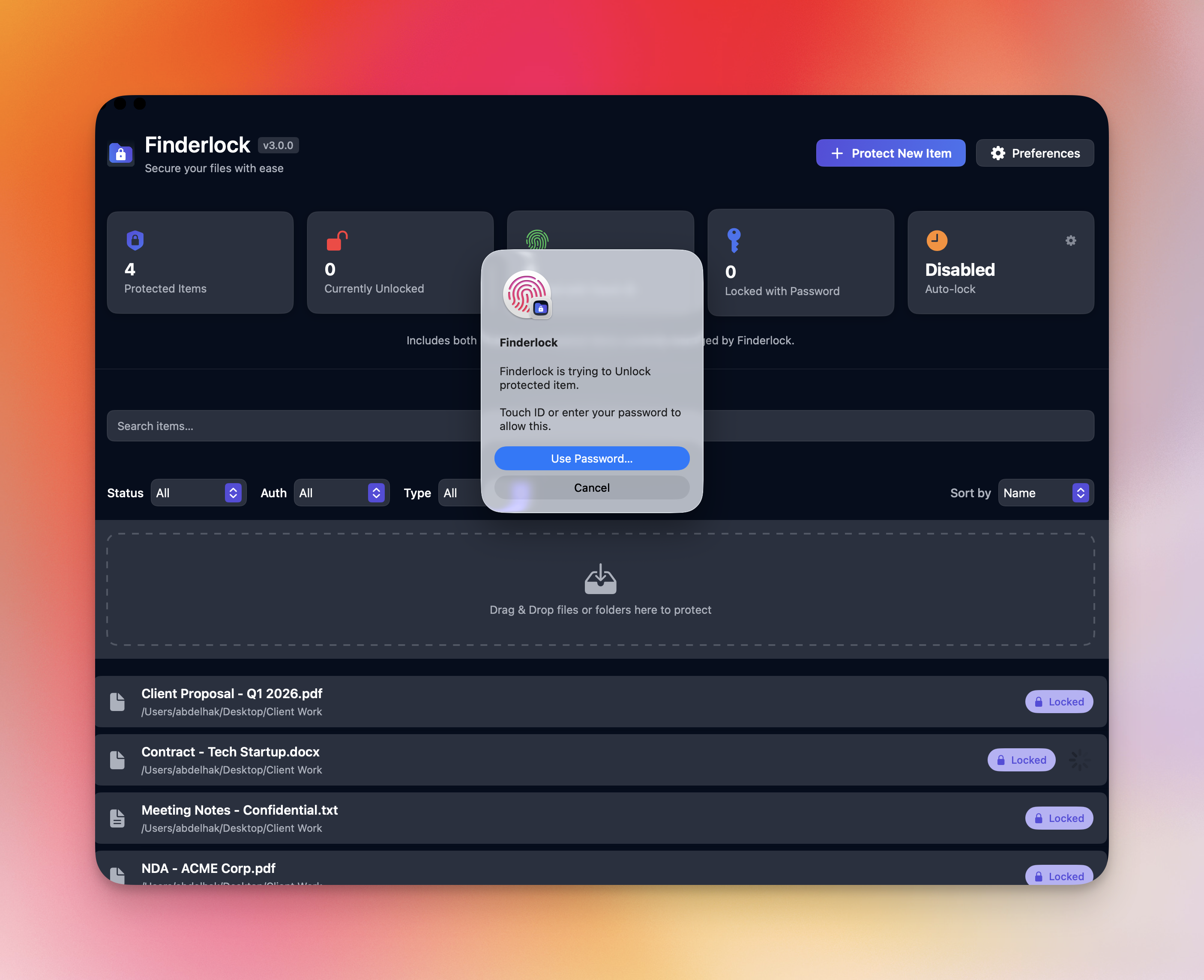
Touch ID unlocking.
No passwords to remember.
Unlock your protected files instantly with your fingerprint. Seamless, Apple-native security that just works.
Instant authentication with Touch ID
Password fallback always available
Works with MacBook Touch Bar or Magic Keyboard
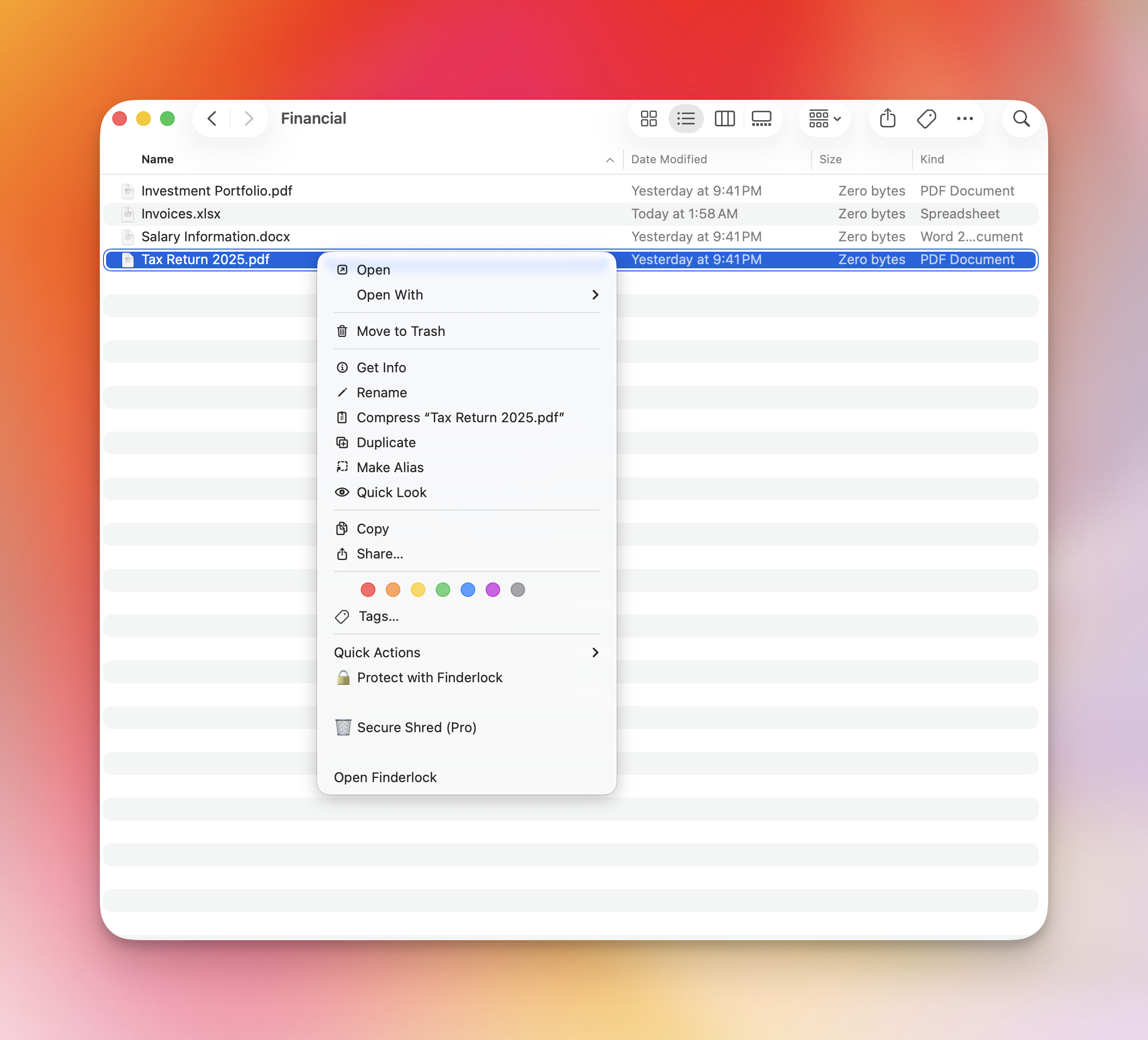
Protect files directly in Finder
No separate app or extra steps. Just right-click any file or folder in Finder and protect it instantly.
Right-click → Protect with Finderlock → Touch ID → Done
Smart Auto-Lock keeps you protected
Set custom timers or auto-lock when your Mac sleeps. Your files stay safe even if you forget.
Customizable auto-lock timers
Lock on screen sleep or logout
Quick access from menu bar
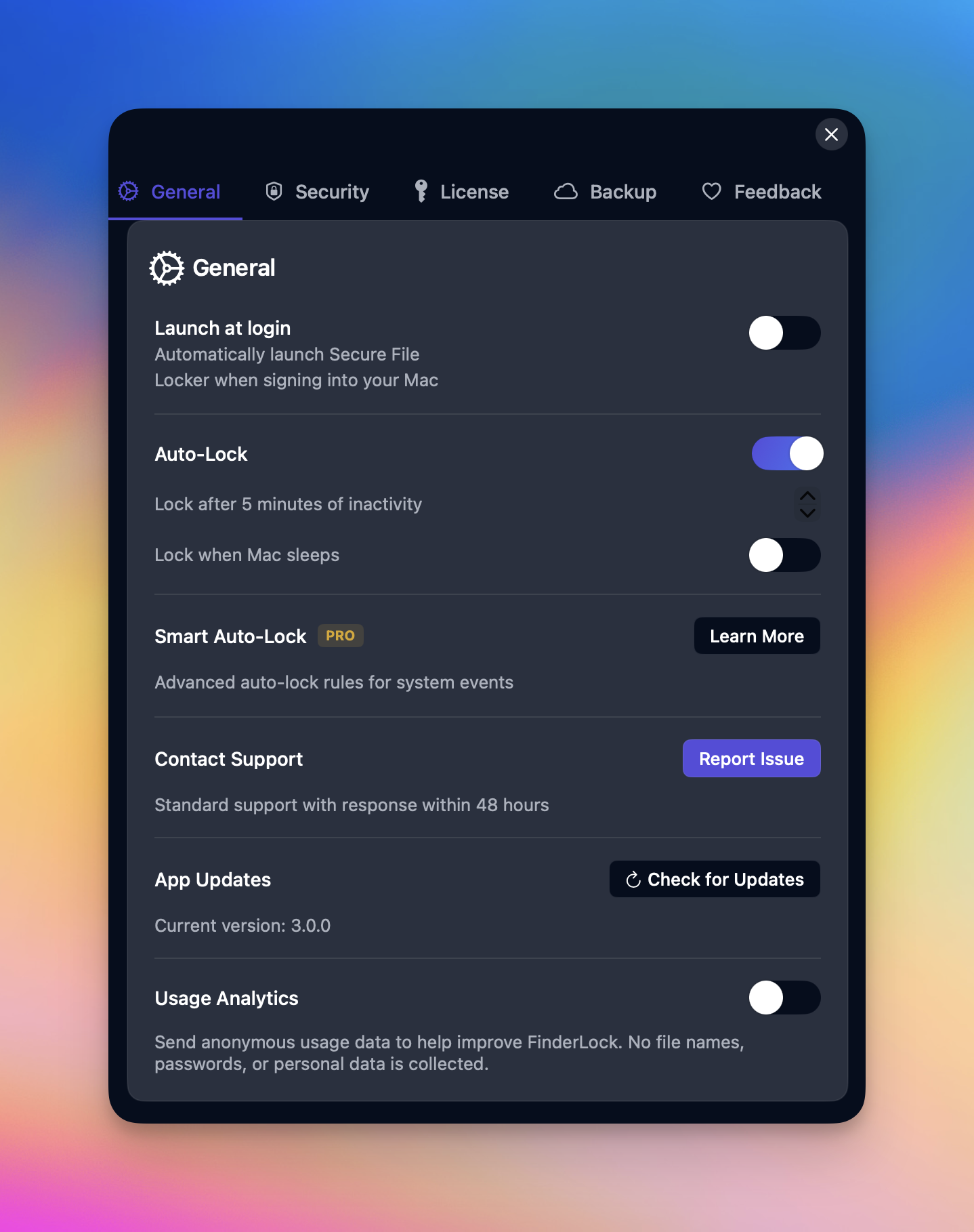
Everything you need to protect your files
Finderlock combines powerful encryption with an intuitive interface. Protect your most sensitive data without the complexity of traditional tools.
Your files deserve better protection.
Free forever for up to 3 items. No credit card required.
Built for humans, not IT admins
See how Finderlock compares to traditional Mac encryption tools
One-click protection
Protect files instantly from Finder
Touch ID support
Biometric unlock (session via login; FileVault volume uses password at cold boot)
Finder integration
Right-click context menu
Per-file/folder locking
Protect individual items
Auto-lock timers
Automatic protection scheduling
Menu bar access
Quick lock/unlock from menu
Simple setup
No technical knowledge required
Free to use
Available at no cost
Full-disk encryption
Encrypts the entire startup disk
Open source
Publicly auditable code
| Feature | FinderlockModern | FileVaultmacOS built-in | VeraCryptOpen source | Disk UtilitymacOS tool |
|---|---|---|---|---|
One-click protection Protect files instantly from Finder | ||||
Touch ID support Biometric unlock (session via login; FileVault volume uses password at cold boot) | ||||
Finder integration Right-click context menu | ||||
Per-file/folder locking Protect individual items | ||||
Auto-lock timers Automatic protection scheduling | ||||
Menu bar access Quick lock/unlock from menu | ||||
Simple setup No technical knowledge required | ||||
Free to use Available at no cost | ||||
Full-disk encryption Encrypts the entire startup disk | ||||
Open source Publicly auditable code |
Works alongside FileVault, not instead of it
FileVault encrypts your whole disk at rest. Finderlock adds per-file protection once your Mac is unlocked — so sensitive files stay locked even on an open, logged-in machine. No terminal, no complex setup. Just right-click and protect.
Your files deserve better protection.
Free forever for up to 3 items. No credit card required.
Simple, One-Time Pricing
Pay once. Protected forever. No subscriptions.
Every plan uses the same AES-256 encryption. Paid plans add Touch ID, more items and devices, and automation — not stronger encryption.
Zero-knowledge by design: if you lose your password, your protected files cannot be recovered — not even by us. Keep your password safe.
Free Forever
Perfect for trying out Finderlock.
Forever free, no time limit
- 3 protected items
- 1 Mac device
- AES-256 encryption
- Password protection
- Basic auto-lock (30 min)
- No credit card required
Personal
Professional security for individual users.
One-time payment · perpetual license
- Unlimited files & folders
- 2 Mac devices
- Touch ID authentication
- Custom auto-lock timers
- AES-256 encryption
- iCloud & Google Drive backup
- 1 year updates
Pro
Advanced features for power users.
One-time payment · perpetual license
- Everything in Personal, plus:
- 5 Mac devices
- Bulk operations
- Smart auto-lock
- Priority support (<24h)
- 2 years updates
Lifetime
Buy once, own forever.
One-time payment · perpetual license
- Everything in Pro, plus:
- Unlimited devices
- Secure file shredder
- Lifetime updates
- No renewal needed
- White-glove support
- Best value for serious users
Updates vs. license: Your license is perpetual — the app keeps working forever. Paid plans include a window of feature updates (Personal: 1 year, Pro: 2 years), while Lifetime includes updates forever. After the window, the app still works; renew anytime for 60% off, or choose Lifetime to never renew.
* macOS 13+ required • 14-day money-back guarantee
Frequently Asked Questions
Everything you need to know about Finderlock.
Still have questions? Contact support
Ready to protect your files?
Join Mac users who trust Finderlock to keep their files secure
No credit card required for free plan
Be the first to know
We'll inform you about new apps and deals, but no spam, we promise.